

The Windows softphone for UniFi TalkNo desk phone. No browser. No relay server.
A native Windows application that registers with your Dream Machine as a SIP device. Encrypted over TLS, with your Nextcloud address book, call recording and call answering from the notification area.
This is what it looks like.
Slim window, light on resources, fits right into Windows. Everything important is one click away.
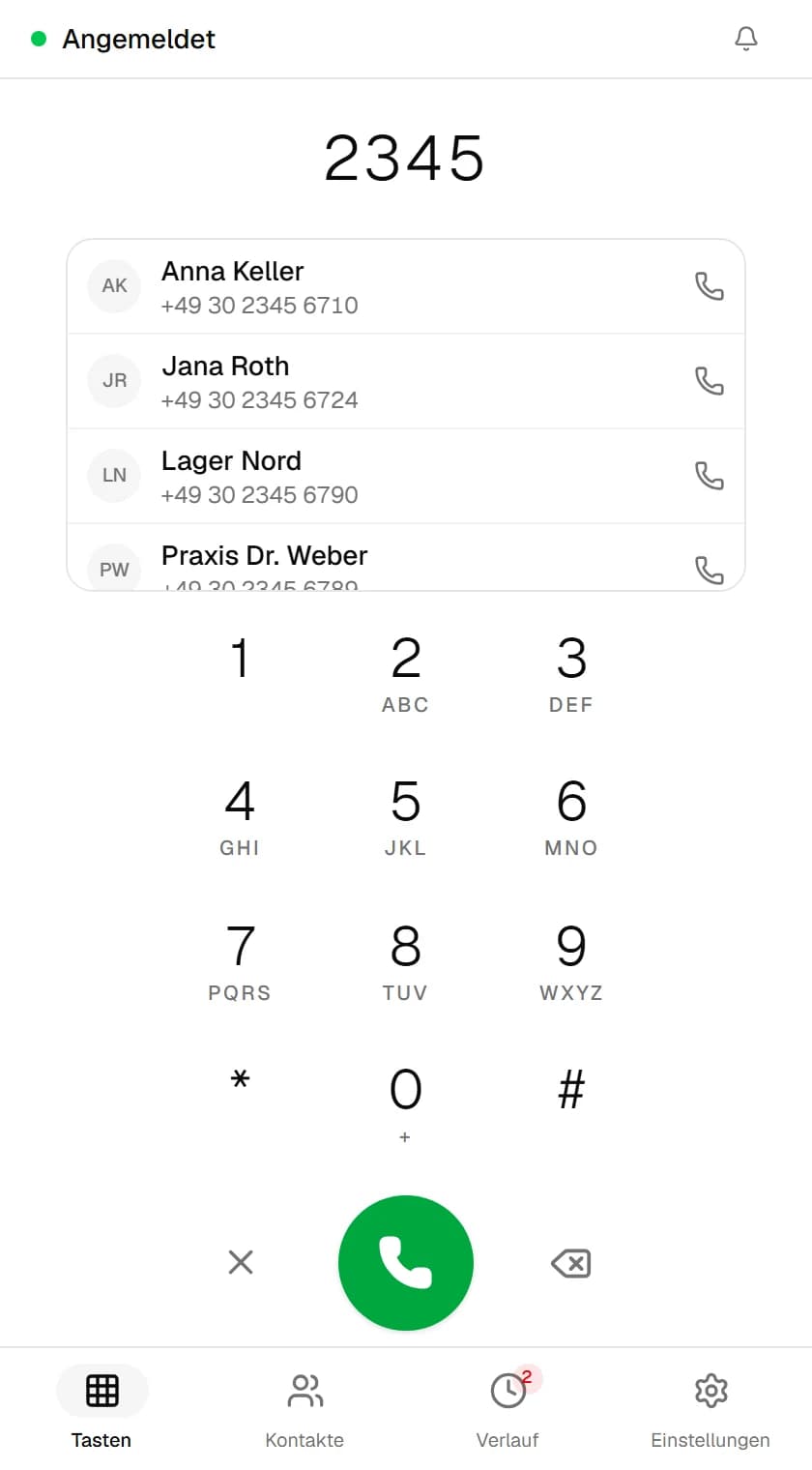
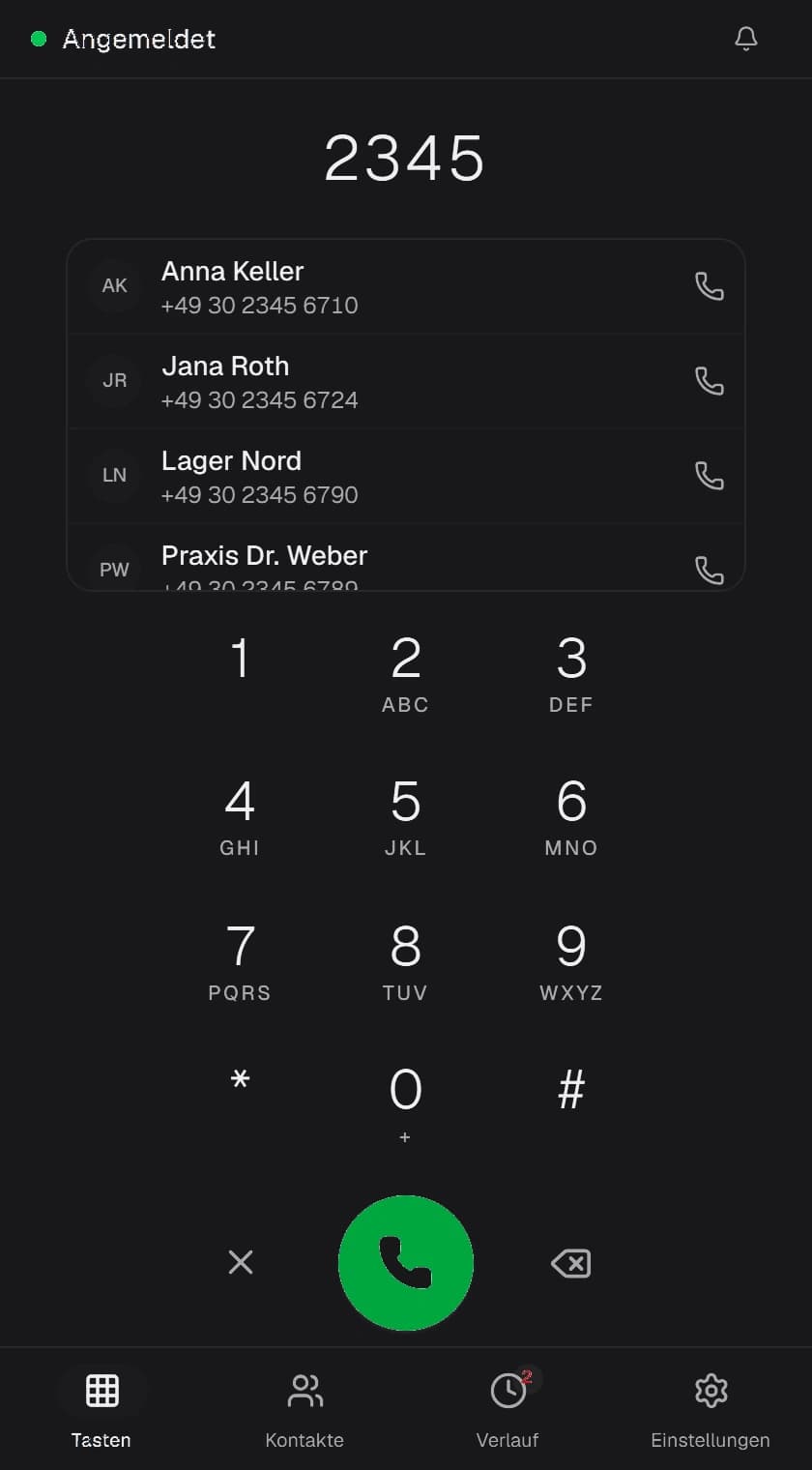
- NXFone · Intelligent Keypad
 01 ·
01 ·Intelligent Keypad
Finds contacts instantly as you type.
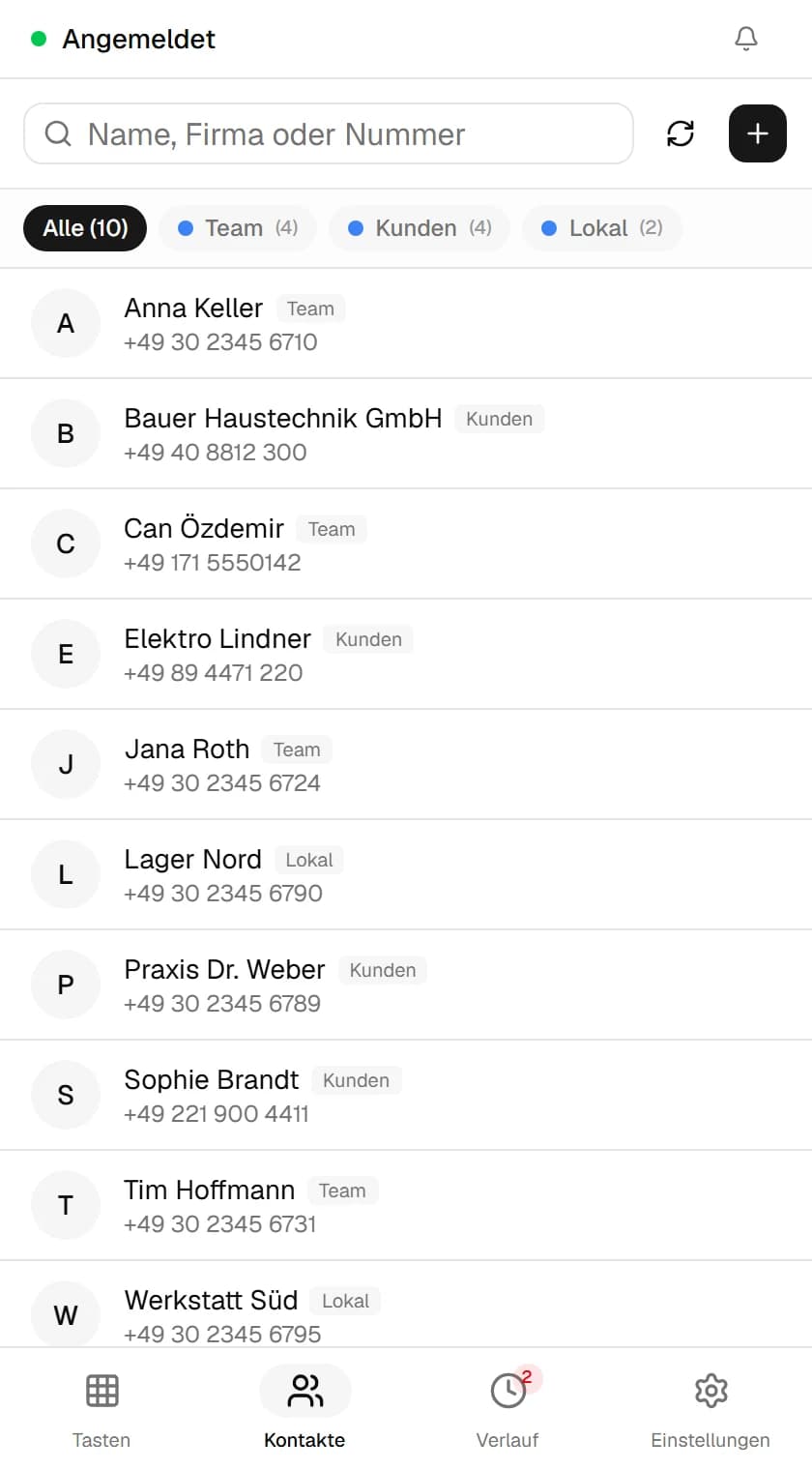
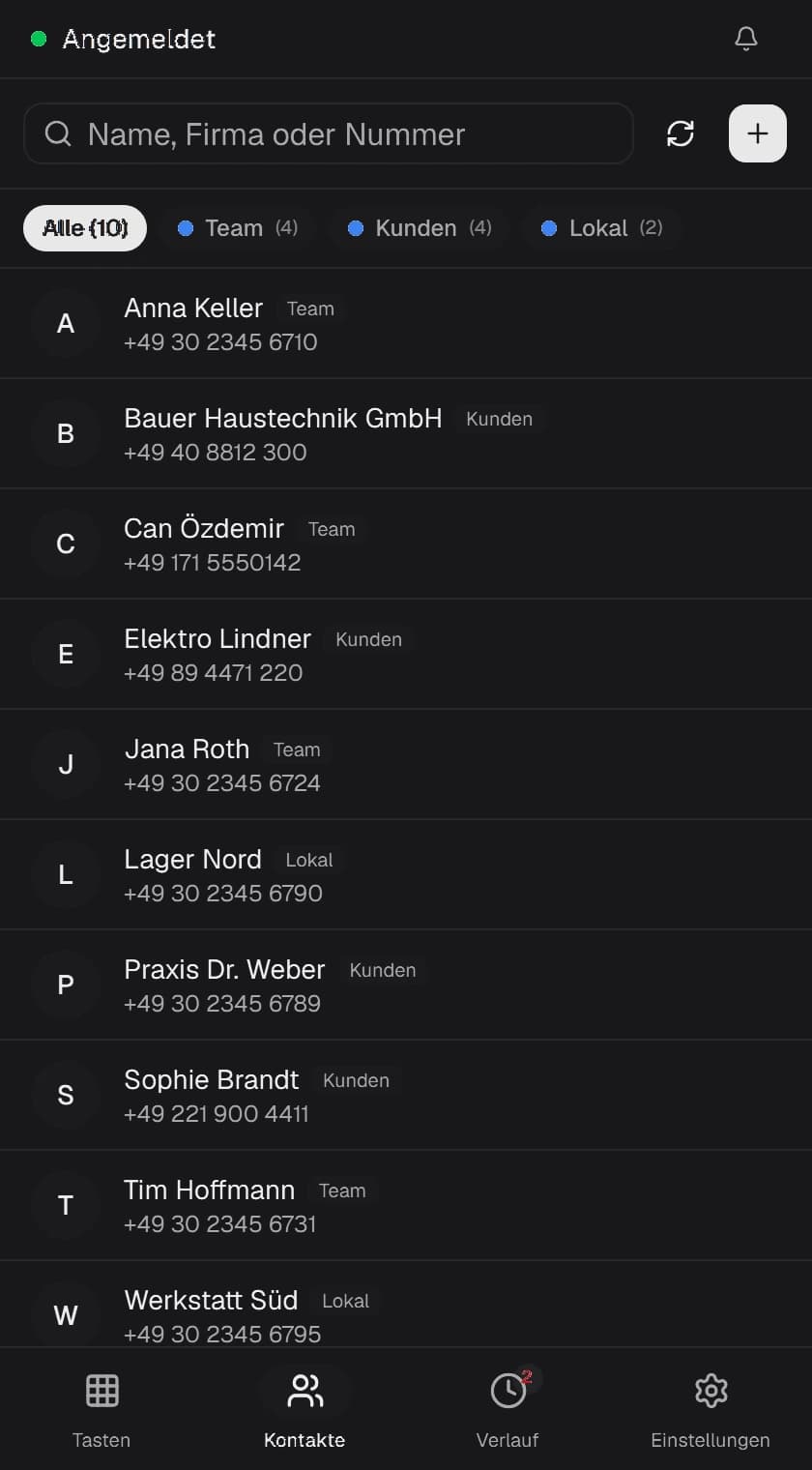
- NXFone · Central Address Book
 02 ·
02 ·Central Address Book
Synchronized with Nextcloud & local contacts.
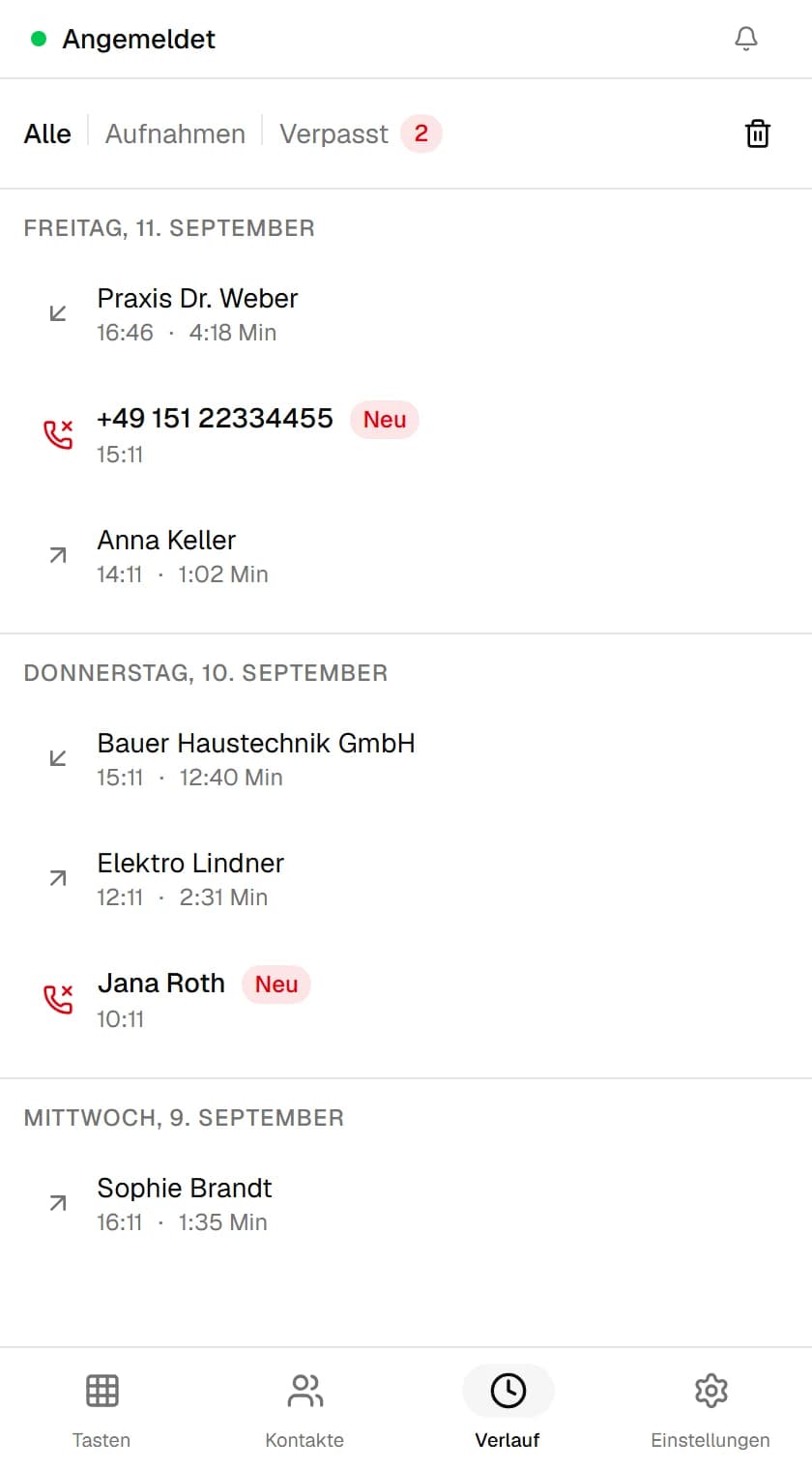
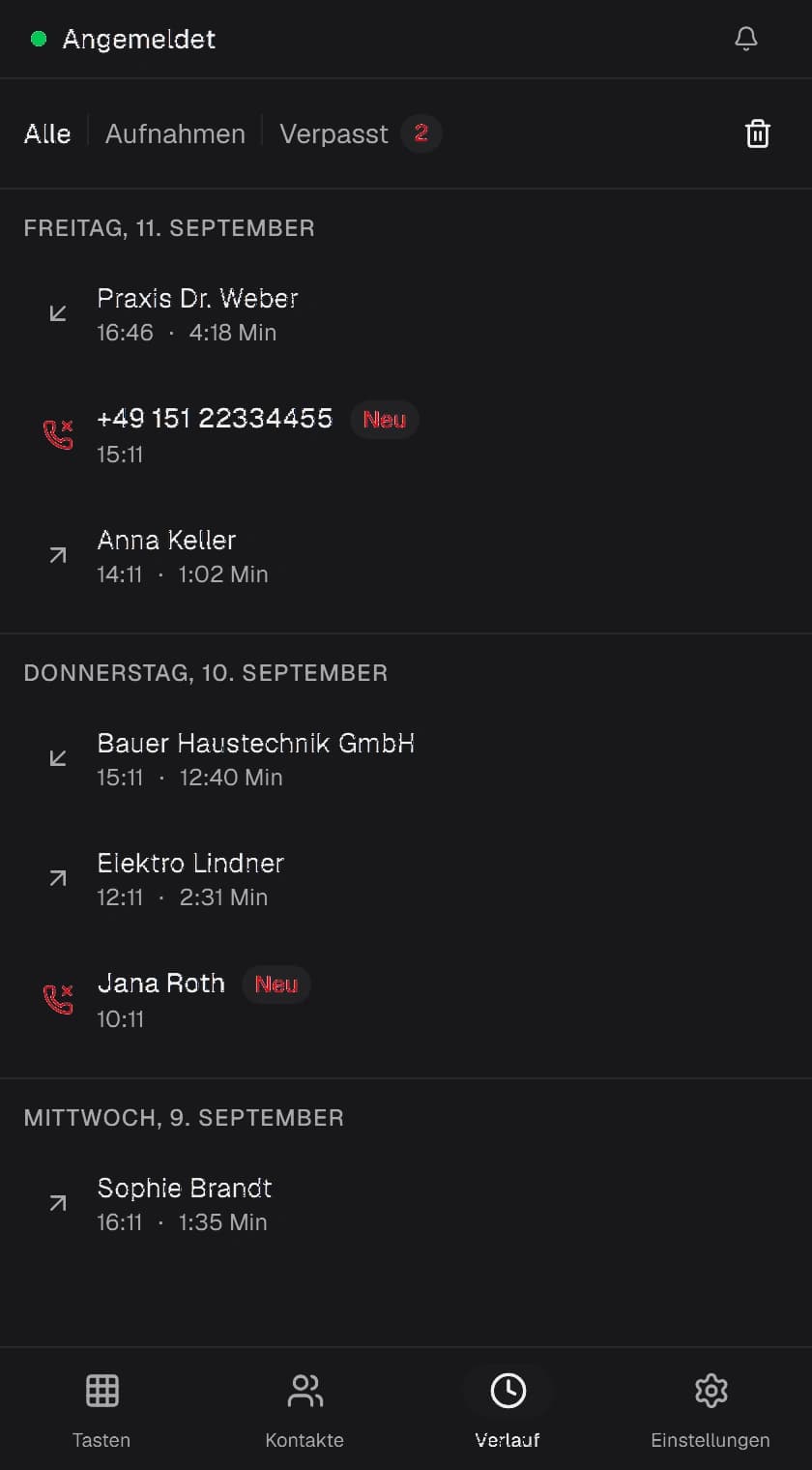
- NXFone · Clear Call History
 03 ·
03 ·Clear Call History
Missed calls and recordings at a glance.
Your phone system. Your data.
Registration with the phone system
SIP over TLS, port 5061, straight to the Dream Machine
Audio during a call
RTP, with SRTP offered or required
Contact sync
CardDAV directly with your Nextcloud, nowhere else
Optional transcription
Connect your own OpenAI/Whisper endpoint, completely optional and disabled by default
License & update check
Minimal HTTPS request against the license server – no telemetry, analytics tracking, or call data
Contacts
a SQLite file on the computer
Recordings
stereo WAV in a folder of your choice
Passwords
Windows Credential Manager
Call history
Call duration, timestamps, and missed calls are stored exclusively locally in your SQLite database.
Configuration & session data
SIP tokens, interface profiles, and certificates remain encrypted in your local Windows profile.
A Ubiquiti desk phone costs €220 to €350.
The softphone runs on existing hardware with your existing headset.
Why a Softphone instead of a Desk Phone?
Save hundreds of euros per workstation in hardware costs and take calls right where you work: on your PC with your preferred headset.
| Criteria | Ubiquiti Desk Phone (e.g. Touch Max) | NXFone for WindowsRecommended |
|---|---|---|
| Initial Hardware Cost per Workplace | €220 – €350 hardware cost per phone | From €49 one-time (Lifetime license available) |
| Remote Work & Home Office | Bulky to transport, requires power & ethernet | Runs on any laptop via VPN / WireGuard |
| Desk Space Occupied | Occupies valuable desk real estate | 0 cm² – runs unobtrusively in background |
| Nextcloud & Company Address Book | Manual maintenance / limited synchronization | Automatic 2-way sync via CardDAV |
| Headset & Audio Flexibility | Proprietary or expensive wireless handsets | Any PC headset (USB, Bluetooth, 3.5mm) |
| Call Recording | Complex or only via third-party cloud | Stereo WAV saved directly on your local drive |
NXFone compared with other SIP softphones
All four apps can technically register with UniFi Talk as a third-party SIP device. The difference lies in integration depth, pricing model and where your data stays. Researched September 2026, vendor figures without guarantee.
* Example calculation for one workstation, rounded. NXFone price as listed on this page, one licence covers up to 2 devices. Prices for MicroSIP, Zoiper Business and Bria Teams per the respective vendor sites in original currency, as of September 2026, without guarantee. Ubiquiti desk phones are not a softphone and are compared separately above.
What it does.
The most important features for everyday use, without unnecessary clutter.
Dialling
Speed dial- Keypad with full letter and number labeling
- Address book matches appear as you type — one click starts the call
- Keypad and dial tones can be toggled on or off
Registers with UniFi Talk
SIP over TLS- Connects as a third-party SIP device over UDP, TCP or TLS
- SRTP encryption optional, offered or strictly enforced
- Configurable port and address, credentials saved in Windows Credential Manager
Rings in the background too
Desktop pop-up- Dedicated incoming call window bottom-right, always on top
- Accept or decline calls with a single click
- Unobtrusive Windows tray icon with optional autostart
The rest you only notice later.
You see the features above right away. These tend to show up when something isn't quite working, which is exactly when you want them.
- TeamWho's around right now?The team view lists every account on your license with its status: online, away, do not disturb or offline. One click dials their extension. If you're already on a call, you can transfer it from there.FR100
Front desk
Online
SA101Sales
Away
WO102Workshop
Do not disturb
AC103Accounting
Offline
- On a callHold, mute, transferThe buttons are where you'd look for them. For phone menus, open the keypad during the call. Tones go out as RFC 4733 events, which is what UniFi Talk expects.
- Weak networkWhen the Wi-Fi gets shakyDuring a call NXFone tracks round trip time, jitter and packet loss. When the line turns unstable it stops sending most of the silence between words, which saves bandwidth. A banner tells you what's going on, and you can switch the saver mode on yourself.
- MOS scoreHow good was that call?The history keeps a rating for every call, from excellent down to poor, along with codec, packet loss, jitter and round trip time. When someone complains about bad audio, you have numbers instead of guesses.
- DiagnosticsCheck it yourself before calling ITDiagnostics walks through IP address, gateway, DNS, ping, SIP port and registration in order and points at whatever is failing. The microphone test shows a live level and tells you when you're too quiet or clipping.
- PresetsNot just UniFi TalkWith UniFi Talk the setup wizard finds the gateway on its own. For other providers, server, port and transport are already filled in:TelekomSipgateNFONEasybellVodafoneO21&1MixVOIPDeutsche GlasfaserDeutsche GigaNetzor your own credentials
- CSV · JSONTake your call history with youExport the call list as CSV for a spreadsheet, or as JSON. Missed calls show up as a red number on the taskbar icon until you've looked at them.
- Sound & colorRings the way you likeCustom ringtones work as MP3, WAV, FLAC, OGG or M4A. Pick light, dark or follow Windows, and choose an accent color on the color wheel. The incoming call window follows along right away.
- MovingNew PC, same settingsSettings export to a JSON file, without usernames if you prefer. Passwords are never included, they stay in the Windows credential store. NXFone checks for updates on its own and shows you what changed before installing.
Ready in 3 Simple Steps
No complicated PBX routing required. You'll be up and running in less than three minutes.
One licence. Two devices.
Every term contains the same feature set. The difference is how you pay.
All features included – 2 devices in parallel
Every plan unlocks the full software without artificial limits. You only choose the billing model.
- Cancel monthly
- Updates while the licence runs
- 17% savings compared to monthly
- Cancel yearly
- Updates while the licence runs
- No end date
- Updates as long as the product exists
All prices in euro. Pursuant to § 19 UStG (small business), no VAT is charged.
Frequently Asked Questions
General & Setup
Getting started, requirements & trial period
How do I start the trial?
You download the program and start the trial inside it under Settings, Licence. It runs for 14 days, is tied to that device and needs no payment details. After that you decide whether to buy a licence.
Do I need UniFi Talk?
Yes. The softphone is a SIP client for a system you already run and brings no telephony of its own. It is tested against UniFi Talk; other systems that allow third-party SIP usually work, but are not verified.
On how many machines may I use the licence?
On two at a time. You can see which devices are taken in your account under Licences, and release one there when you move. Inside the application it is under Settings, Licence.
Does installation need administrator rights?
Installation does, like any Windows application. Registering for tel: and sip: links, by contrast, is written only for the signed-in user and needs no admin rights.
How finished is the program?
It is version 0.1 and ships as early access: the features described here exist and are in use, but more are coming and individual details still change. Updates are included for as long as the licence runs. Windows only.
Compatibility & Privacy
Operating systems, cloud services, AI & security
Does it run on macOS or Linux?
Not at the moment. What ships are Windows installers as MSI and EXE.
Do I have to use Nextcloud?
No. Address books can live locally inside the softphone. CardDAV is an option. The sync is verified against Nextcloud.
Do my calls go to an AI service?
Only if you turn on summaries and enter an endpoint. While the feature is off, every recording stays on your machine. Which provider you configure is your call, including a model on your own network.
What happens when the machine is offline?
The application keeps making calls as long as it can reach your phone system. The licence is re-checked regularly; if the licence server is unreachable it stays valid for another seven days. Only after that does the application speak up.
Troubleshooting & Practical Tips
Solutions for common questions and configuration gotchas
The status dot stays red (Registration failed).
Usually the transport port is mismatched. UniFi Talk defaults to TLS on port 5061; it may not answer on unencrypted UDP port 5060 depending on your gateway settings. Verify that the local IP of your UniFi Gateway (e.g. 192.168.1.1) is reachable from your PC.
I hear no sound or the other party cannot hear me.
Check Settings → Audio to make sure the correct microphone and speaker devices are selected. Run the 440 Hz test tone. In Windows privacy settings, ensure desktop apps are allowed microphone access.
Nextcloud contacts are not syncing.
The CardDAV address in Nextcloud typically ends in '/remote.php/dav/'. If your Nextcloud account is protected by two-factor authentication (2FA), create a dedicated app password under Settings → Security.
Calls drop after exactly 30 seconds.
A disconnect after 30 seconds indicates that the SIP ACK packet is blocked by NAT or local Windows firewall rules. Ensure the local SIP port is permitted in Windows Defender Firewall for both inbound and outbound traffic.
Which UniFi Gateways are supported?
All devices capable of running the official Ubiquiti UniFi Talk application. This includes: UniFi Dream Machine Pro (UDM-Pro), UniFi Dream Machine Special Edition (UDM-SE), UniFi Dream Wall, UniFi Cloud Gateway Ultra (UCG-Ultra), UniFi Cloud Gateway Max (UCG-Max), and Cloud Key Gen2 Plus.
Licensing & Billing
Activation, updates, cancellation & invoices
Where do I find my licence key?
After the purchase under Account, Licences. It sits next to the download.
Do I get updates?
While the licence runs, your account always holds the current version. With Lifetime, without an end date.
What happens if I cancel the subscription?
The licence stays valid until the end of the period you paid for. After that the download disappears from your account and the key no longer applies.
Do I get an invoice?
Payment runs through Stripe. Stripe emails the receipt directly; your account shows the order with amount and date.