Features of the UniFi Talk softphoneFour tabs, nothing more

The window is narrow and sits at the edge of the screen. Everything else lives behind the settings.

Dialling

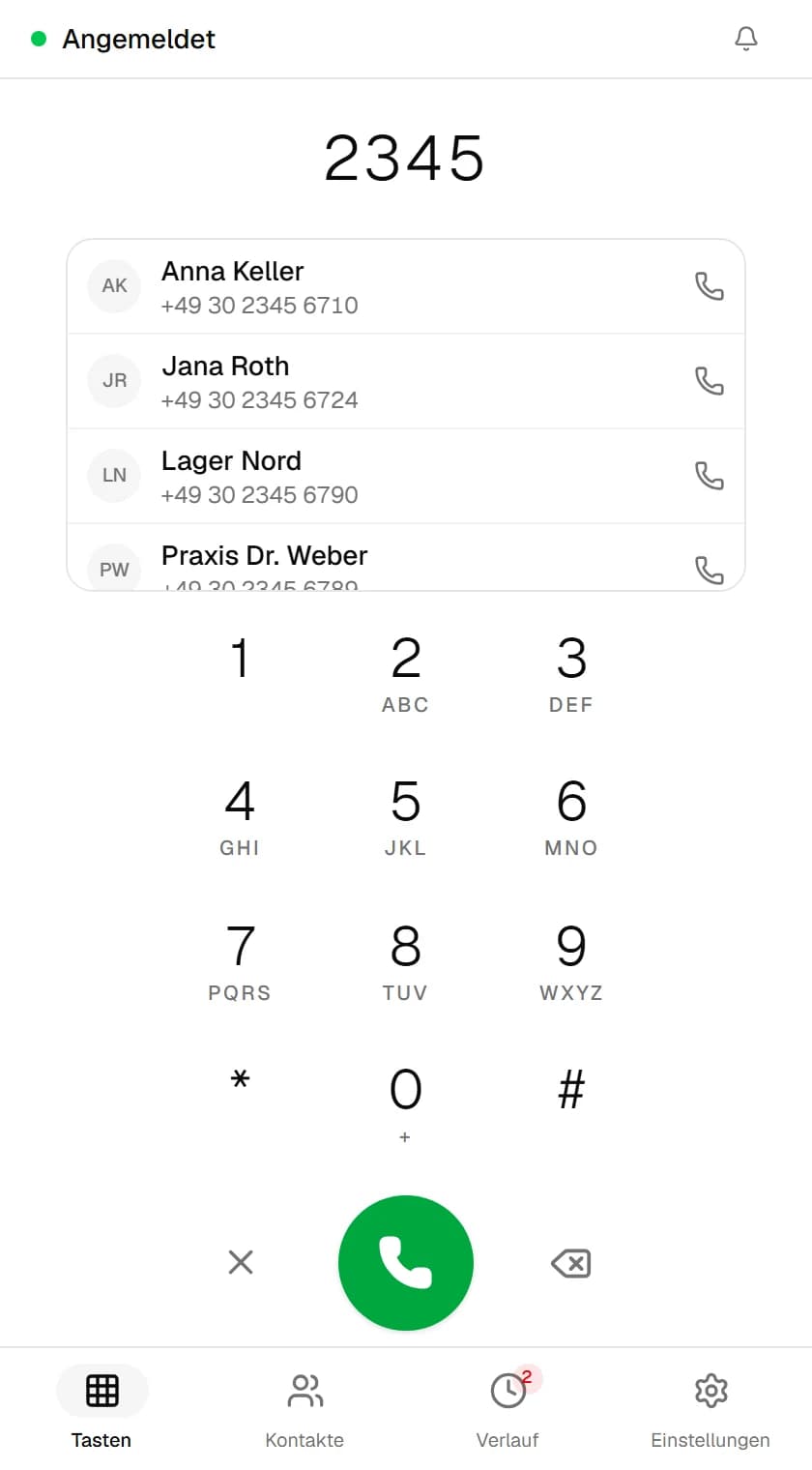
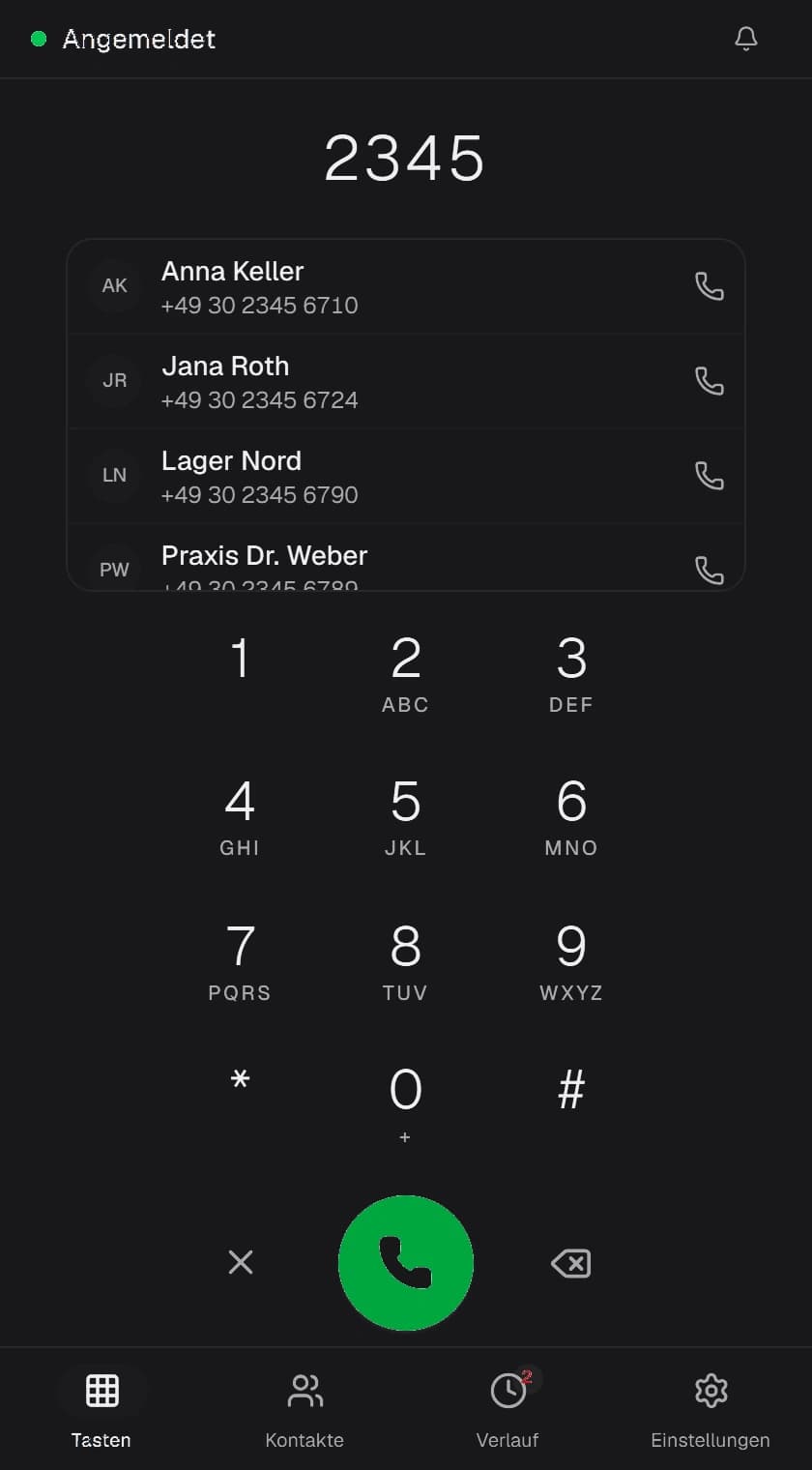
A keypad with letter labels. As you type, matches from the address book appear over it — one click and the call is running. Key tones can be switched on.

Contact suggestions from the first digit
Ringback while dialling
In-call DTMF per RFC 4733
NXFone
Keypad with match list

Keypad with match list

Telephony
11 Features
  • Registers with UniFi Talk as a third-party SIP device
  • UDP, TCP and TLS, port and local address configurable
  • SRTP off, offered or required
  • G.711u and G.711a, 20 ms packets
  • DTMF per RFC 4733 with payload type 101
  • Call control: answer, reject, mute, hold, transfer, hang up
  • Running call duration in the window
  • Dialling from tel:, callto: and sip: links, without administrator rights
  • Do not disturb, toggled from the notification area
  • Reverse lookup: incoming numbers are resolved against your contacts
  • Connection test for the credentials without disturbing normal operation
Contacts
8 Features
  • CardDAV sync per RFC 6352 with sync tokens
  • Fetches in batches of 50 contacts
  • Changes go back to the server with an ETag
  • Conflicts are shown and resolved instead of overwritten
  • Unknown vCard fields survive a round trip
  • Local address books without a server
  • Several books with their own colour, interval and number region
  • Matching contacts appear while you type on the keypad
Recording and history
6 Features
  • Stereo WAV, one channel per direction
  • File name from timestamp and number
  • Target folder configurable, openable from the program
  • History filters for all, missed and recorded calls
  • Grouped by date, missed calls counted on the tab
  • Save an unknown number as a contact in one click
Summaries
5 Features
  • Transcription through a Whisper-compatible endpoint
  • Summary through a provider you pick
  • Note, points discussed, open tasks, dates mentioned
  • Saved as Markdown next to the recording
  • Off by default
System
10 Features
  • Tray icon and background operation
  • Autostart with Windows, minimised if you like
  • Separate window for incoming calls
  • Windows notifications
  • Only one instance at a time
  • Input, output and ringer device chosen separately
  • Bundled ringtones, your own files can be imported
  • Light and dark mode, free accent colour
  • The window close button minimises to the notification area instead of quitting
  • Passwords in the Windows Credential Manager
Transparency
Not included
So you know what you are getting into.
  • No video calling
  • No chat and no presence
  • One SIP account only. Several address books yes, several extensions no.
  • No global keyboard shortcuts
  • No voicemail or conference control
  • No mobile app
  • No macOS or Linux build at the moment
  • No phone system of its own. Without UniFi Talk or another SIP peer, nothing happens.

How NXFone works with UniFi Talk

What happens behind the scenes when the softphone registers, dials, syncs contacts and records calls.

Registration directly with the UniFi console

NXFone is a SIP client for an existing UniFi Talk installation. In the UniFi console you create an extension as a third-party SIP device and enter its credentials in the setup assistant. From then on the application registers directly with your Dream Machine, Cloud Gateway or Cloud Key. There is no relay server and no vendor cloud in between.

Signalling runs over UDP, TCP or TLS, with a configurable port and local address. SRTP encrypts the audio when you offer or enforce it. Audio uses G.711u or G.711a with 20 ms packets, and key tones are sent per RFC 4733 with payload type 101. Credentials are stored in the Windows Credential Manager, not in a configuration file.

Contacts from Nextcloud and local address books

NXFone syncs the address book in both directions via CardDAV (RFC 6352), incrementally using sync tokens. Edit a contact on your PC and the change reaches Nextcloud, and the other way round. If both sides changed at the same time, the application shows the conflict and lets you decide instead of silently overwriting one version. vCard fields NXFone does not use are preserved.

The dial pad suggests matching contacts as soon as you start typing digits. If you do not run a CardDAV server, local address books work as well.

Dialling from other applications, recording and analysis

NXFone registers with Windows for tel:, callto: and sip: links, without administrator rights. Clicking a number in the browser, your CRM or an email starts the call. Hold, mute and transfer sit in the call window, which stays within reach through the tray icon.

If you want, calls are recorded as stereo WAV: your microphone on the left, the other party on the right. The files stay in a folder of your choice on your disk. Transcription and summaries are off by default; when enabled they run against an endpoint you choose, such as OpenAI, Anthropic or a local model via LM Studio or Ollama.

Call quality and troubleshooting

For every call the history stores a MOS rating from excellent down to poor, together with codec, packet loss, jitter and round trip time. When someone complains about bad audio, you have measurements instead of guesses.

If registration fails, the network diagnostics check IP address, gateway, DNS, ping, SIP port and registration in turn and show where it breaks. A level meter tells you whether the microphone is too quiet or clipping.


Try it, then decide

The trial runs for fourteen days with the full feature set and starts inside the application. No key, no payment details.